


During the online event, guests will have the opportunity to participate in the community chat. This is a chance to express your key takeaways and engage with leaders throughout the Summit.
The Community Chat is available to all online guests.
Expand Your Viewing Experience
(Instructions for enlarging the video while continuing to participate in the chat.)
To enlarge the video while keeping the community chat available, click Expand beneath the video player.
Simply click on the button entitle Expand under the video display window. 
Exit Expanded Viewing Experience
(Instructions for exiting the enlarged view of the video while continuing to participate in the chat.)
To exit the expanded view:
- Pres Esc on your keyboard
- Do not use your browser's Back button — it will take you completely out of the Summit viewing if you do
- You'll also see a reminder when entering expanded viewing mode:

Hide the Community Chat
(How to remove the chat from view if guests prefer to focus on the video.)
If you do not wish to engage or view the chat flow, you have a couple of options. You can enlarge the video within the video display and this will overwrite the chat window:
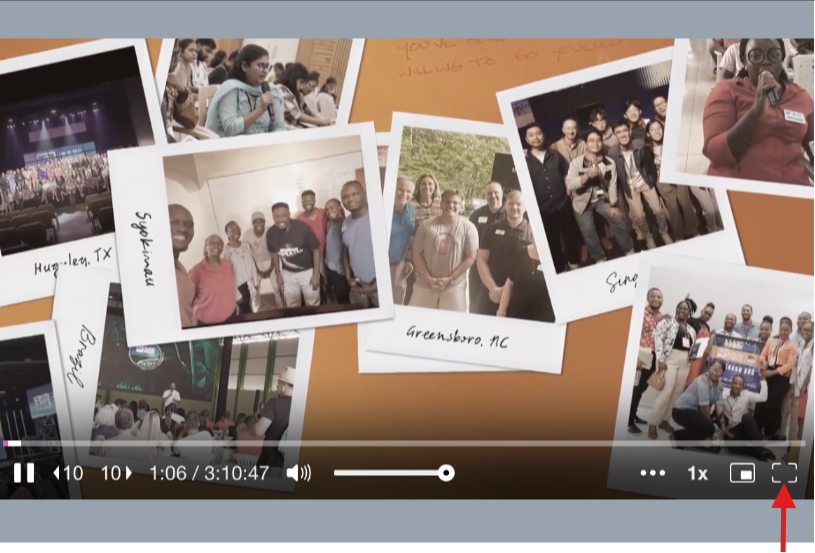
Another option available if you do not want to enlarge the display:
Simply click on  in the upper right corner of the Chat function, then click on the "Popout" option and minimize the Chat window you just popped out. To minimize: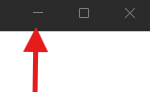
Reopen the Community Chat
(How to restore the chat after minimizing or hiding it.)
To reopen the Chat:
Please click 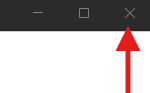 and it will shift the Chat back into your event view.

