


How Do I Use Closed Captions?

Last updated: Jul 17, 2026
344
views

To turn on closed captions (unless captions are burned in) please follow these steps:
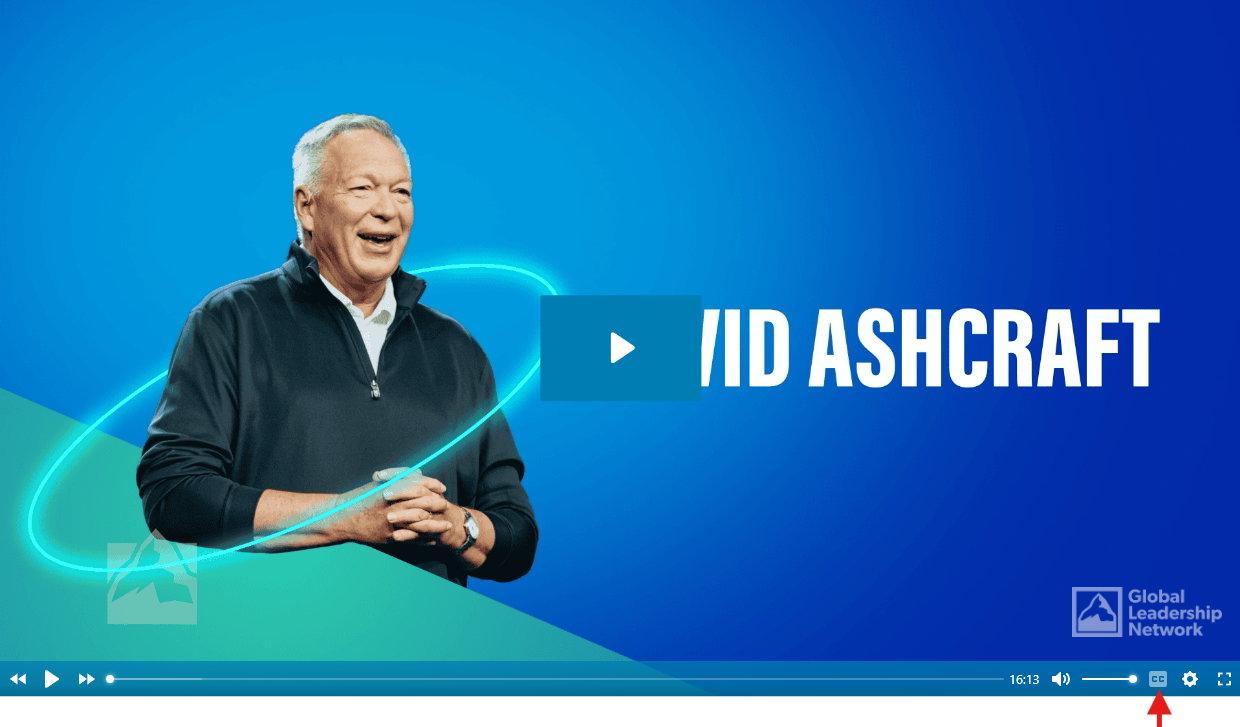
- Place your cursor on CC in the lower-right corner of the video player.
- Select the CC button to turn captions on or off.
- The CC button will change from light gray to white, indicating that captions are enabled.
Disabled: 
Enabled: 
*Some videos have captions burned into the video. For those videos, the option to enable closed captions (CC) will not be available.

