


Please follow the steps and details provided within How Do I Access the Network.
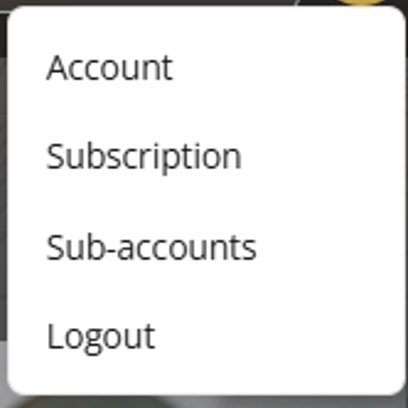
Once you have signed in to the Network, please cursor on the circle in the upper right corner of the site next to the search field. This circle houses your avatar or initials.
A toolbar will pull down. Click on Sub-accounts.
Add Sub Account
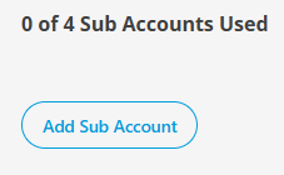
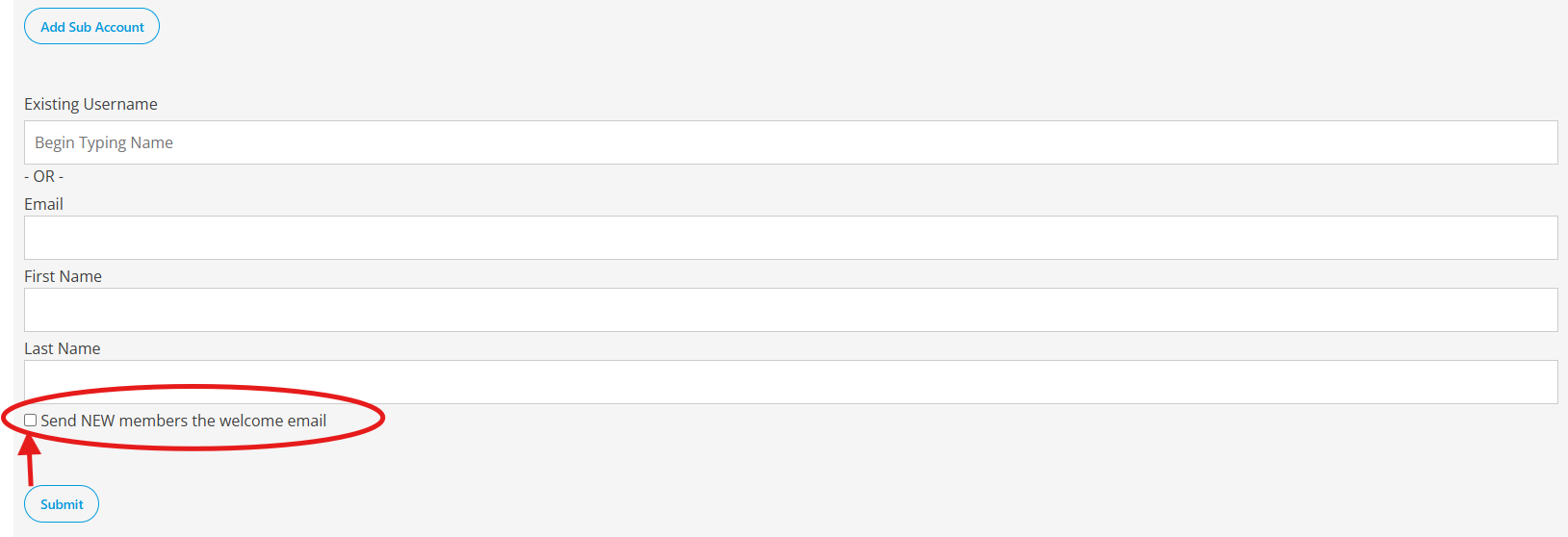
Once you are in Sub-accounts, you will see your accounts used per your Network subscription plan. Click on the button entitled — Add Sub Account.
New User
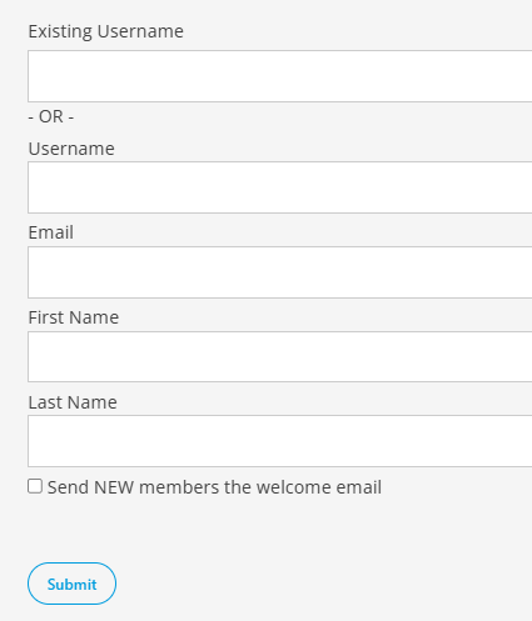
You will now be able to add details to invite further team members to join your Network access. Simply fill out their details, click to Send them a welcome email and then click the button entitled Submit.
Existing User
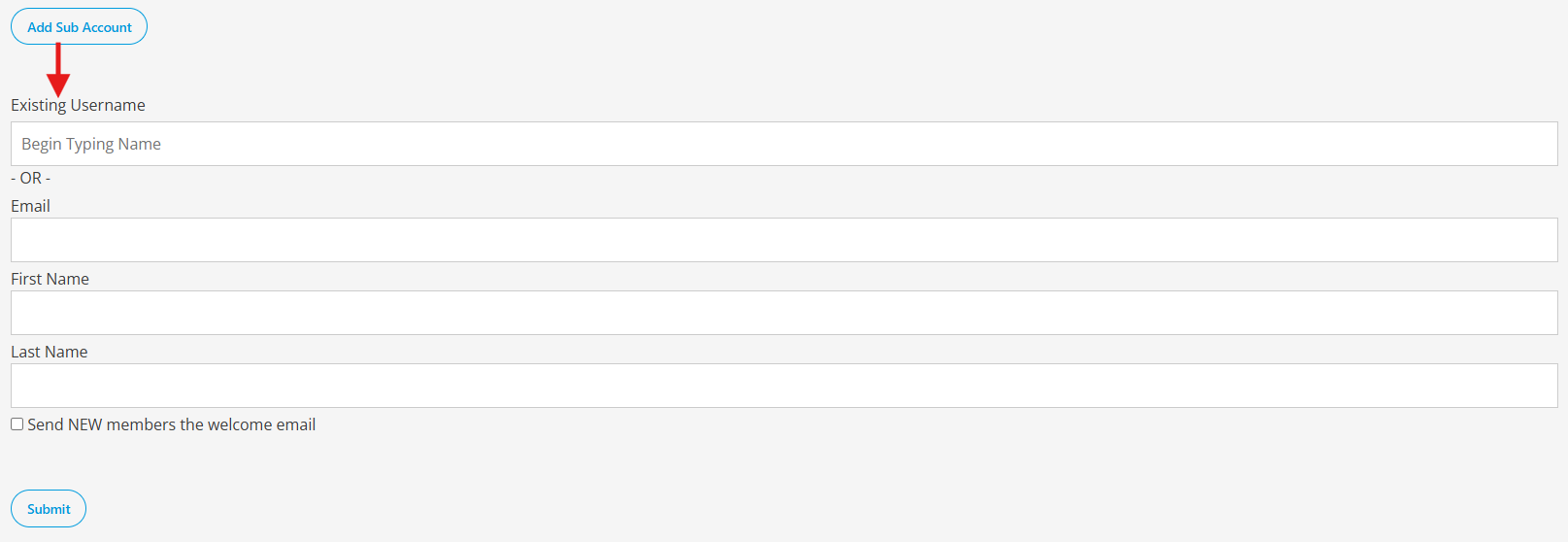
If the system indicates that the email is already associated with an existing user, please enter their email address in the Existing Username field and select the matching user.
Send Welcome Email
Please make sure to check the box to send the new user accessing as a sub-account a welcome email giving them acess
Simply Copy & Share: Invite Code Link
If you are having difficulty adding team members individually or prefer to share your invite code link, you may instead copy your unique Signup URL and share it directly with them.
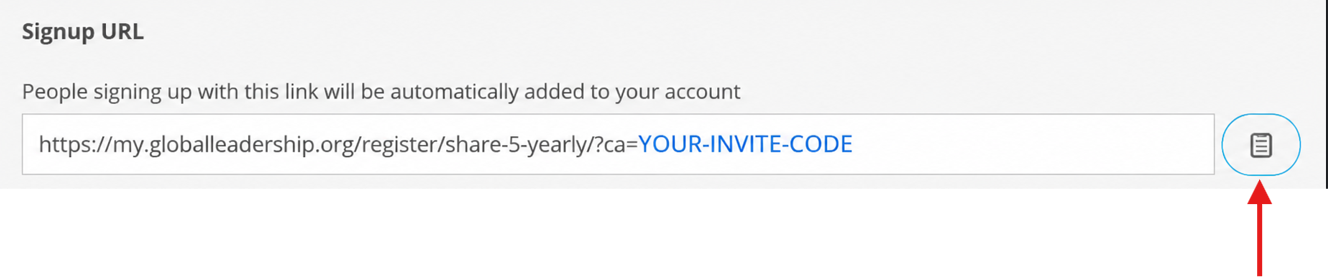
Anyone who uses your Signup URL will automatically be added as a sub-account under your subscription.

